Shape the day with schedules, places, and logs.

Travel planning, made visual
OnTravelPlan
Plan the trip. Keep the memory.
Build days, places, notes, and routes in one calm flow. Then save the plan as cards, collages, or travel posters you can share.


- Day plans
- Image cards
- Travel posters
One simple flow from plan to share
Save polished cards and photo collages.
Send the plan as an image, poster, link, or QR.
01 App Screens
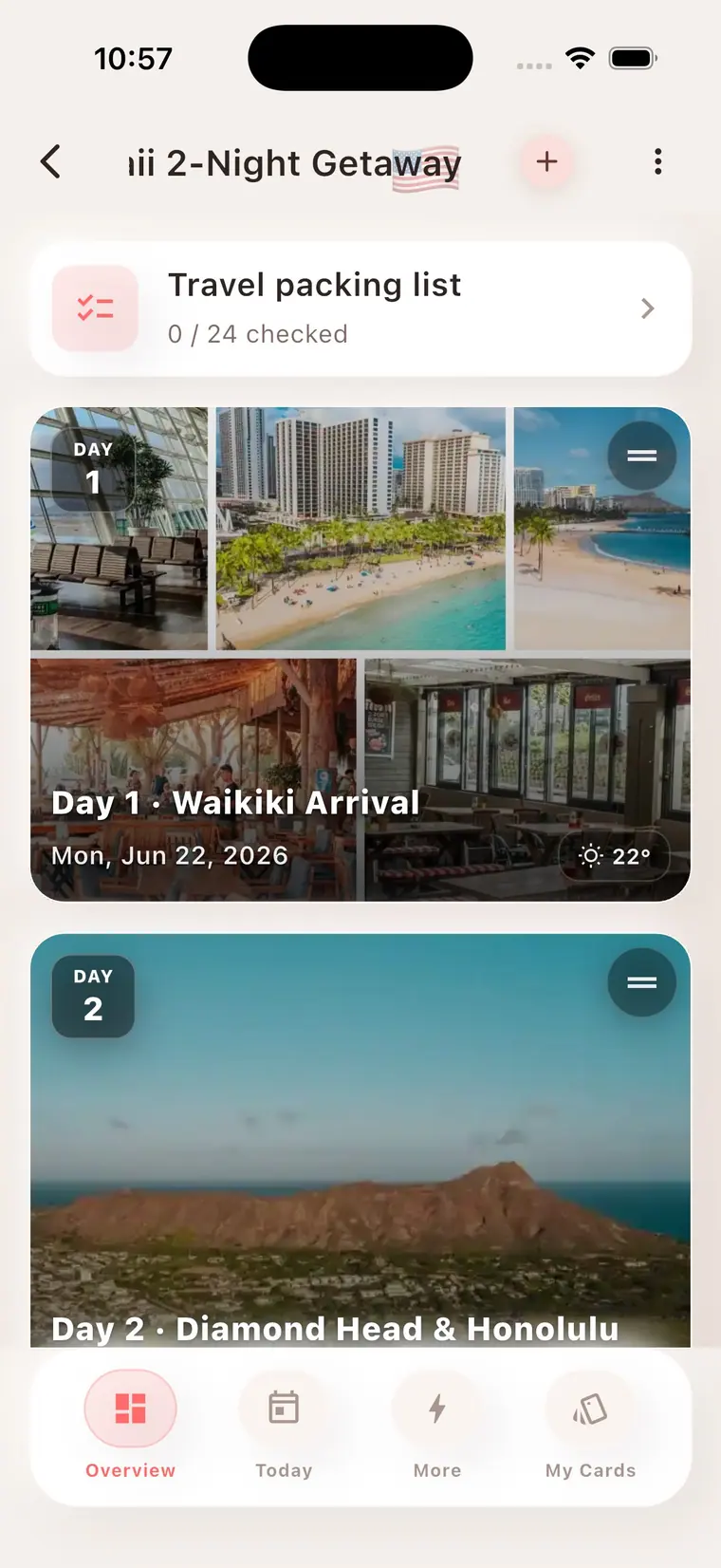
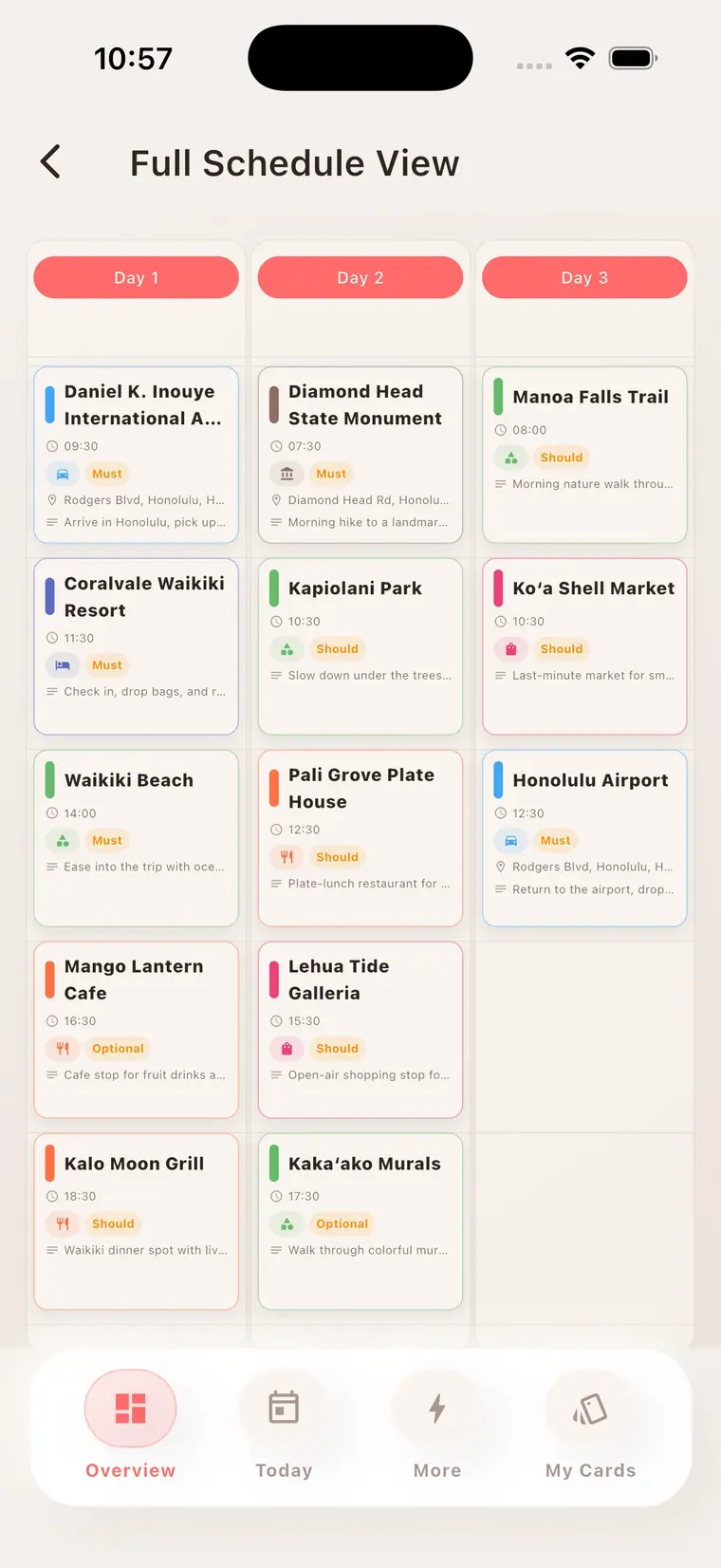
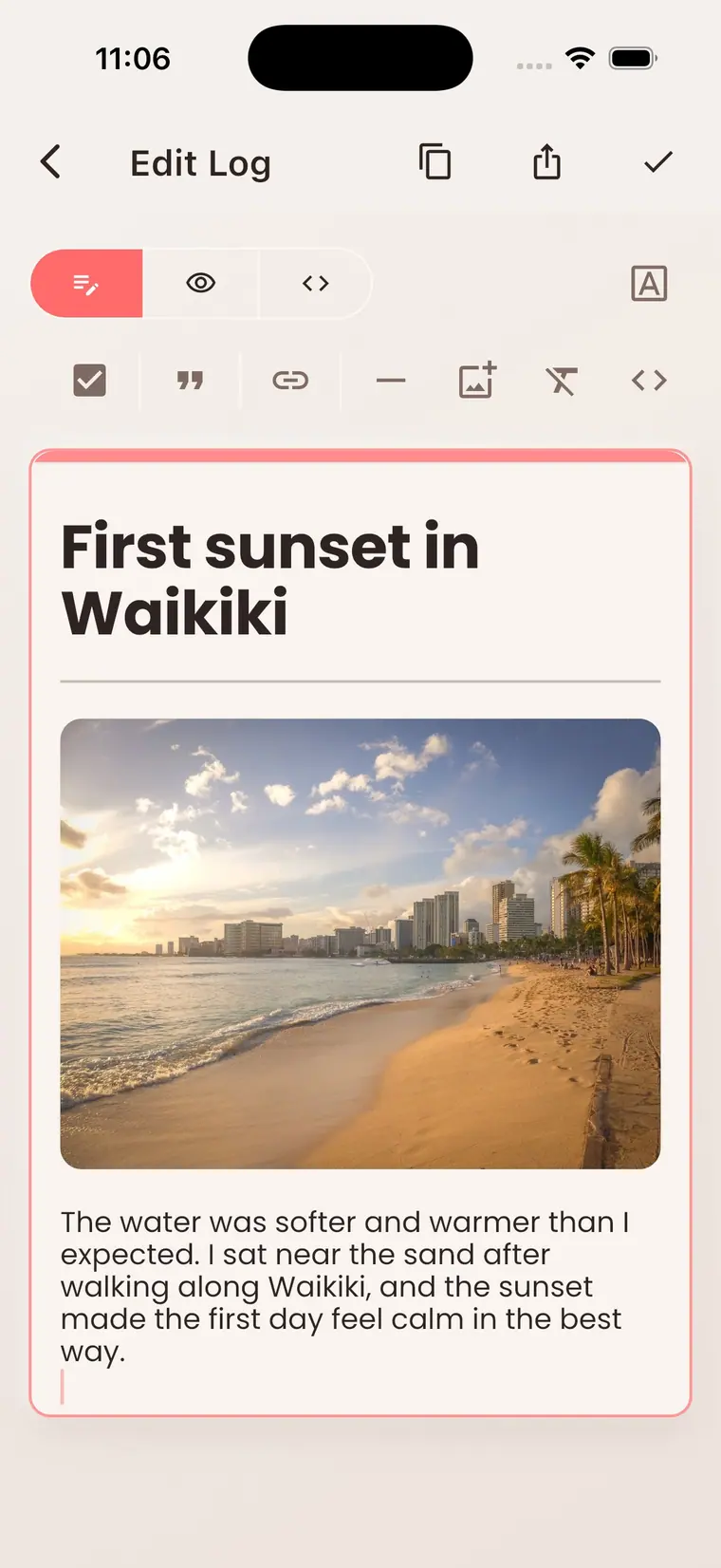
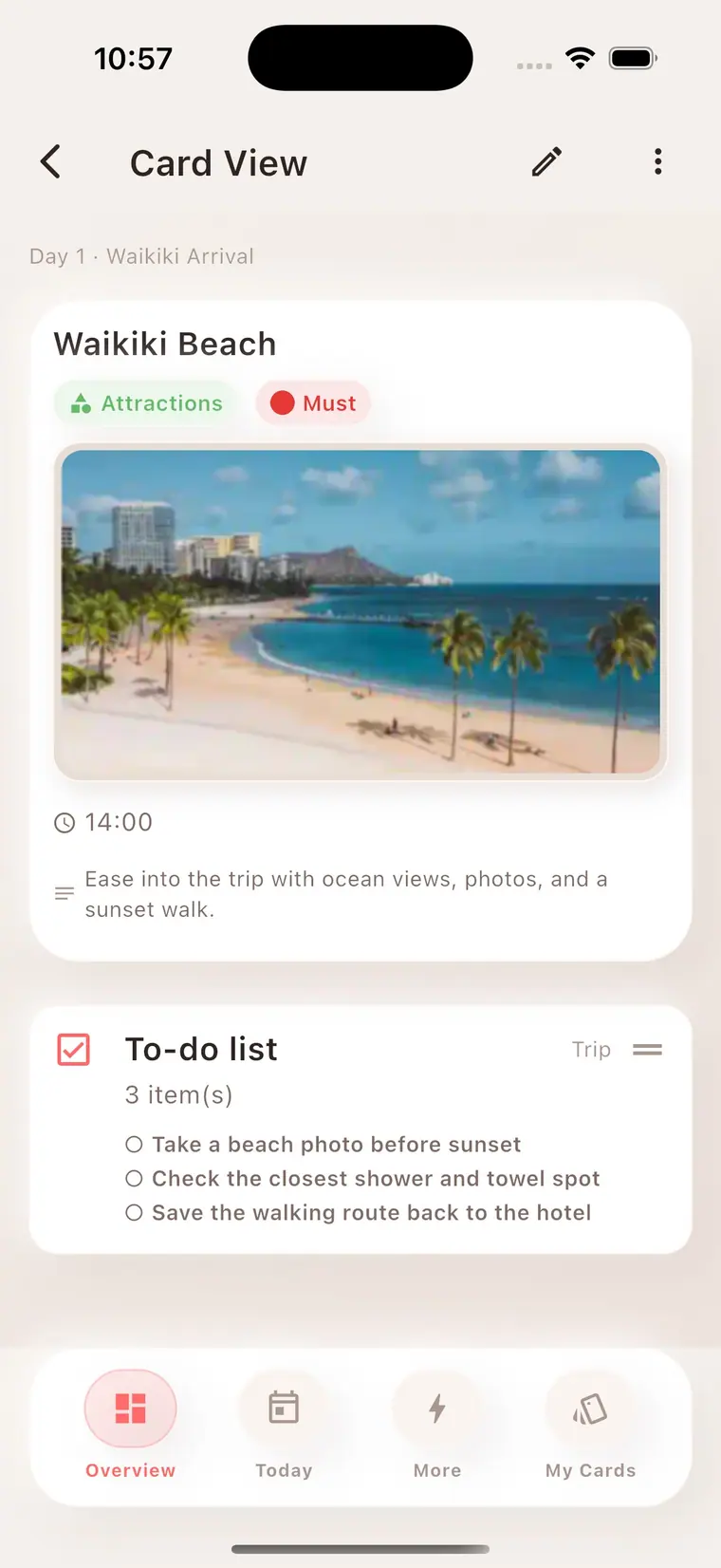
Plan the day
See the trip as a daily plan, a full schedule, a place card, and a travel log without losing the flow.
- Travel plan
- Full schedule
- Place card
- Travel log
02 Image Share
Create a shareable view
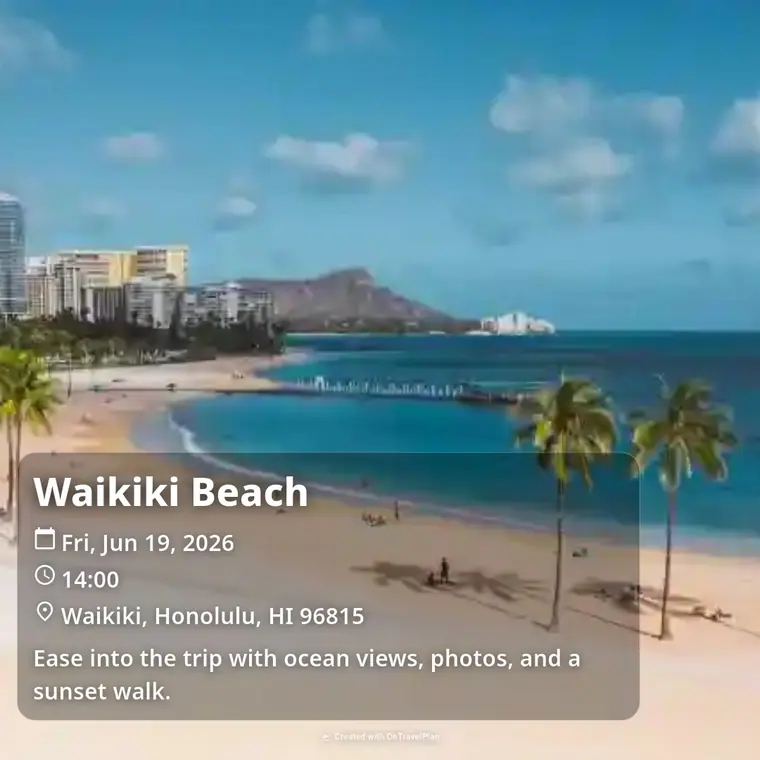
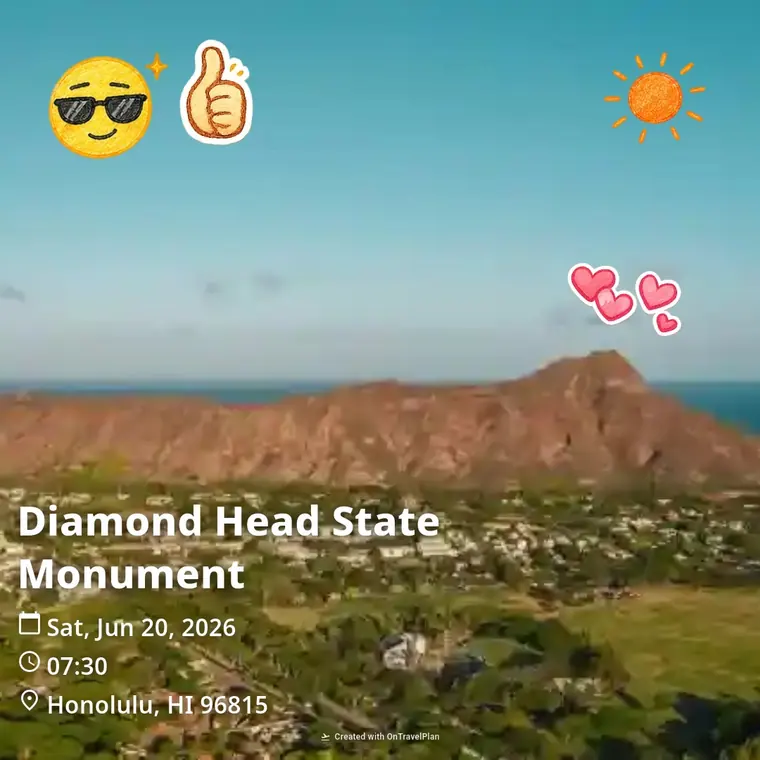
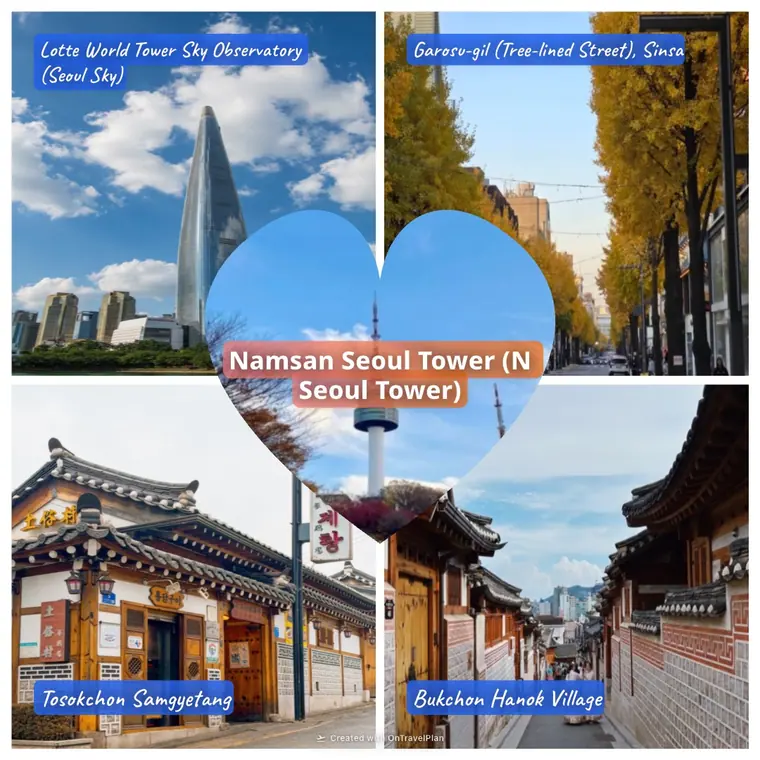
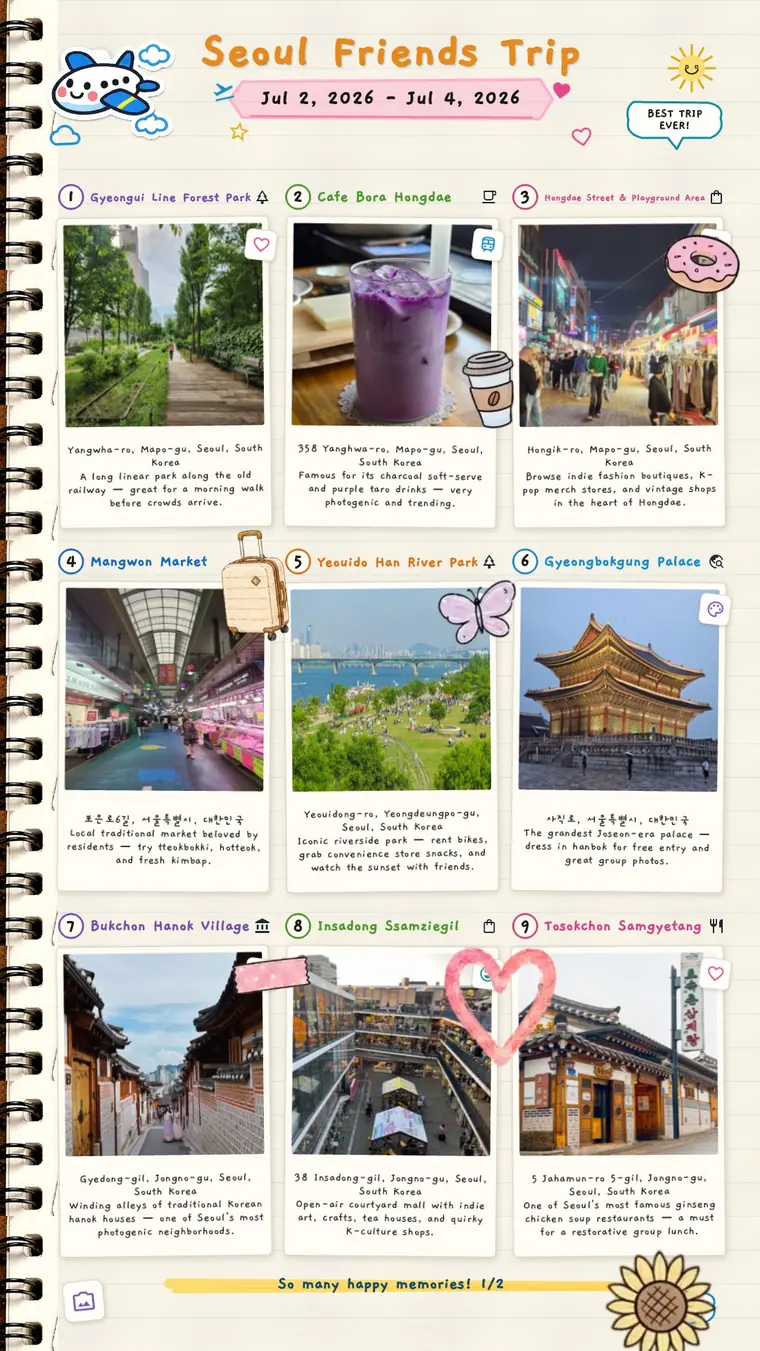
Turn plans into clean cards and photo collages. Save them, send them, or keep them as a visual travel record.
- Card image
- Sticker style
- Collage
- Save and share


03 Travel Posters
Poster moments
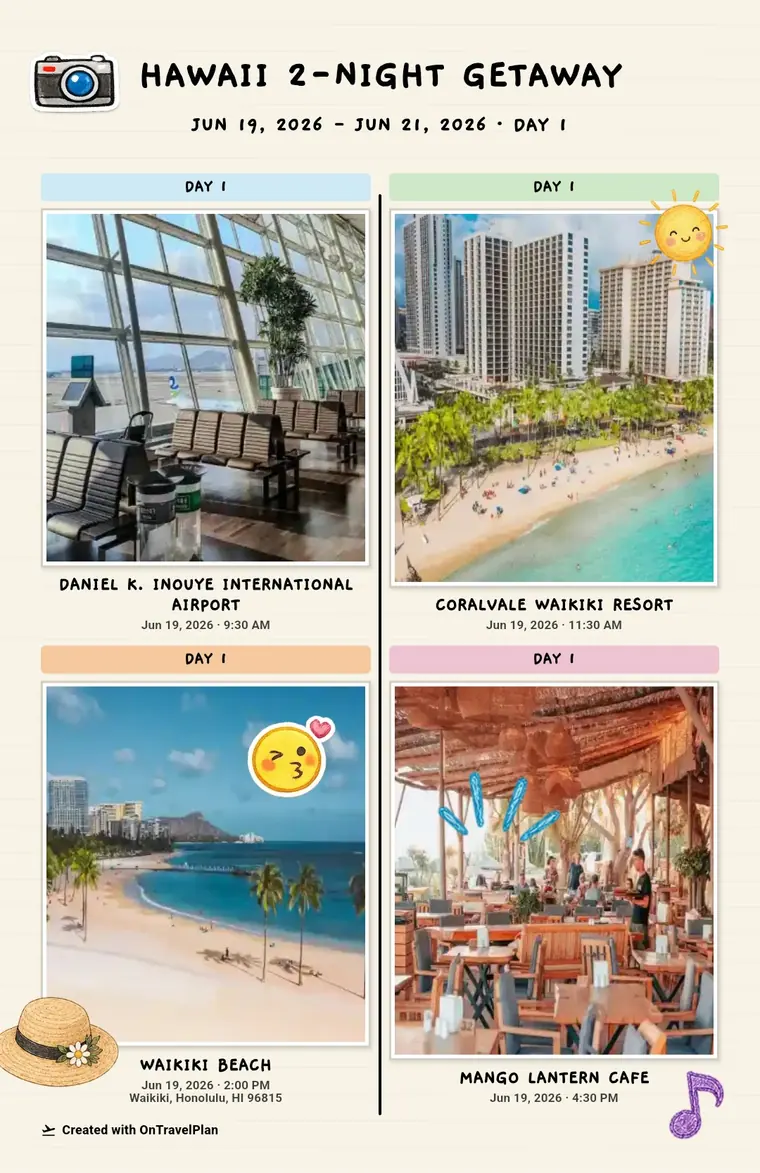
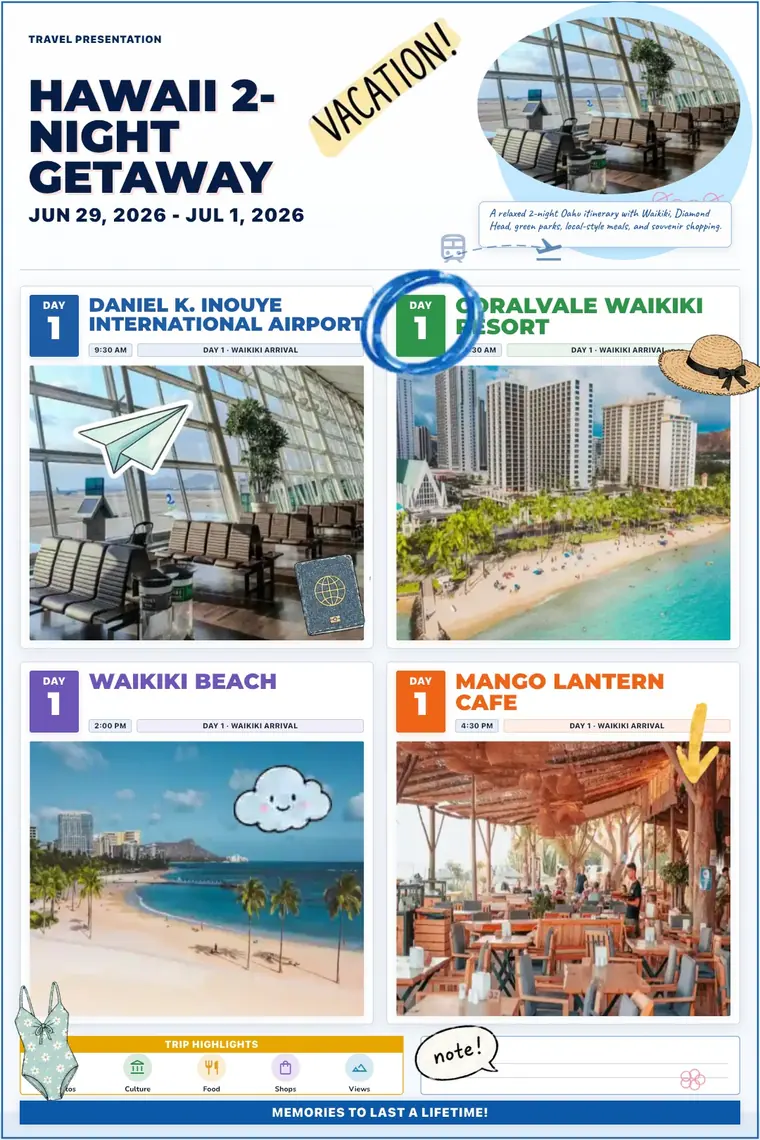
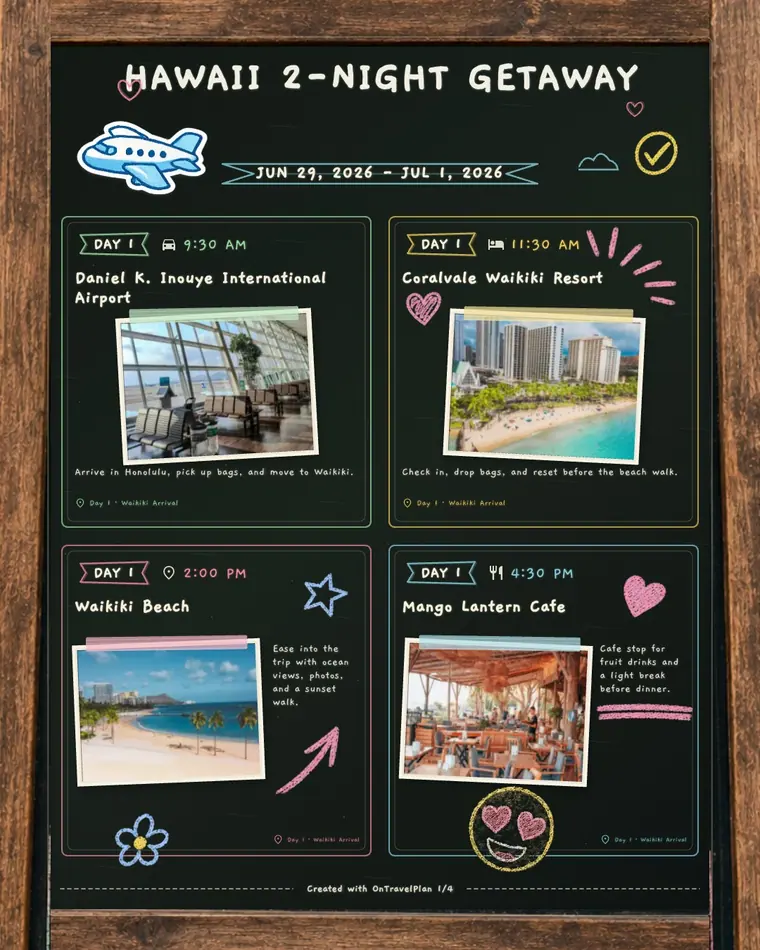
Make the trip feel like a travel poster with simple, note, chalkboard, or presentation styles.
- Simple
- Note
- Presentation
- Chalkboard
OnTravelPlan
Support, kept simple
Quick help for permissions, sharing, import, recovery, and privacy.
App facts
- Trip edits are saved on your device.
- Sharing works by link, image, poster, or QR.
- Camera and photo permissions are used only for related actions.
We can help with
- Install or update display issues.
- QR, photo, or gallery permission problems.
- Share link, import, backup, or recovery errors.
Please include
- App version, device model, and OS version.
- Affected feature and reproduction steps.
- Network state and permission state.
Contact
Email support and review the privacy policy.
support@sunlitwater.com View Privacy PolicyLast updated: 2026-07-03